Breathedge 2 Tips & Tricks: What Launch Week Already Taught Us
Practical Breathedge 2 Early Access tips backed by official hotfix notes: difficulty switching, the Twister rule, taxi letter search, save hygiene and oxygen round-trip discipline.
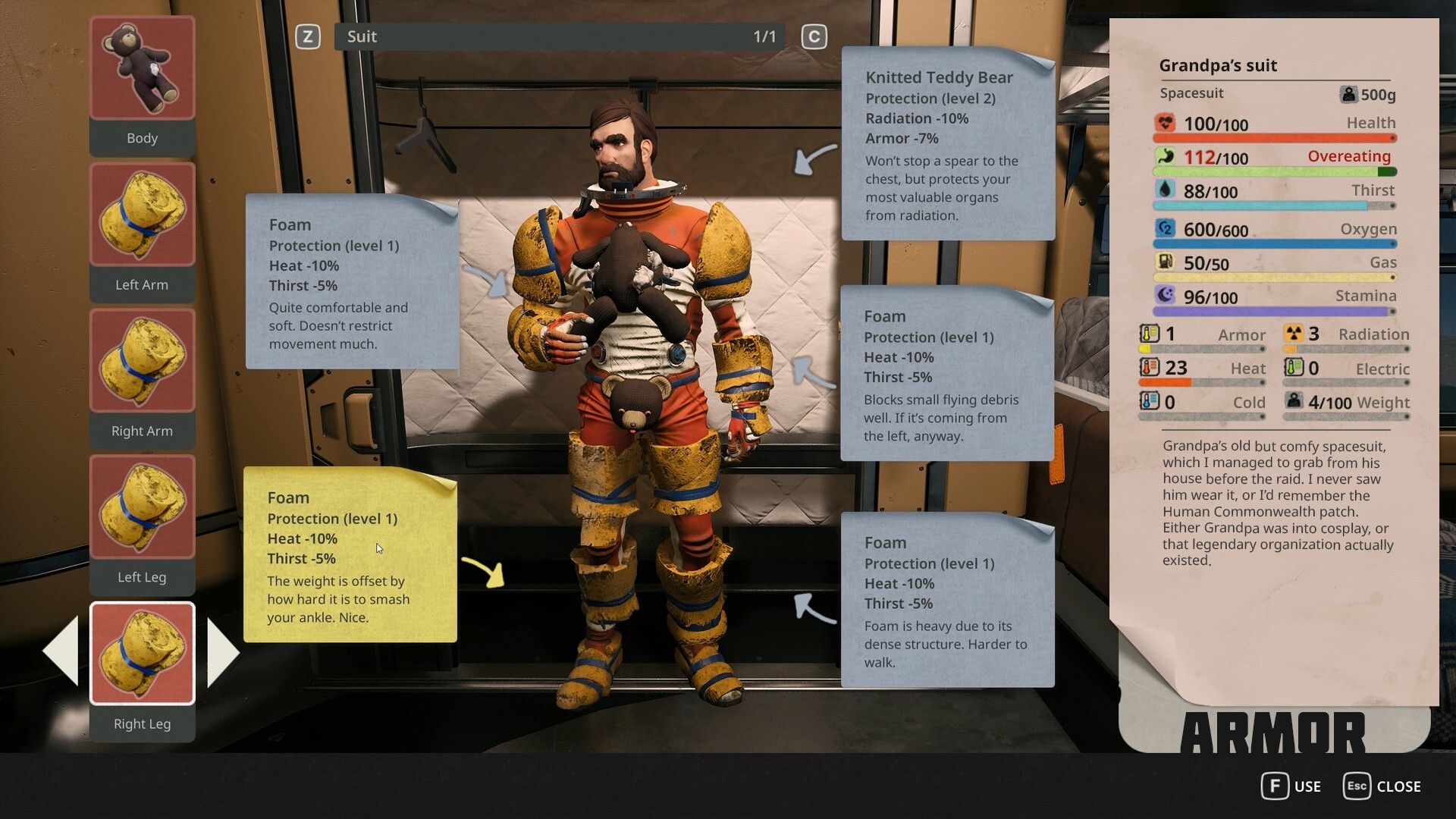
A lot of “beginner tips” written before a survival game launches are just guesses wearing bullet points. These are different: every tip below is either confirmed by official hotfix notes from the first week of Early Access or clearly labeled as demo-era context. The game is on Hotfix 0.8.10 (September 23, 2026), and the first three weeks already corrected several behaviors that day-one guides got wrong.
1. Do not restart over difficulty — you can switch anytime
Since Hotfix 0.8.6, you can switch difficulty without starting a new save. Standard mode also got gentler that day: food, water and fatigue drain 15% slower. So pick a difficulty, play an hour, and adjust instead of rage-deleting a save. Easy and Story exist precisely so survival pressure never becomes a wall.
2. Check the tool before swearing at the game
The single most common launch-week “is this a bug?” was a tool-selection question. Since 0.8.7, the train crate, lamp shades, robots and doors can only be dismantled with the Twister — the crowbar no longer works on them. If something refuses to break, switch tools first. Full system breakdown in the crafting guide.
3. Search around the marker, not on it
The developer clarified in the 0.8.7 notes: the taxi alphabet letters are deliberately scattered within roughly a 20-meter radius, not stacked in one pile — and the radius is bigger than in the demo. Generalize that lesson: a task marker often marks a search area. Sweep the surroundings before reporting a broken quest.
4. Budget oxygen as a round trip
The demo produced 1,541,120 oxygen warnings across 57,518 players — official numbers, and the mistake they measure is eternal: flying out until the tank is half empty, then remembering you need to get home. The oxygen system was reworked after the demo, so exact values are to be confirmed, but the discipline is not: know your refill anchors, plan the return, upgrade capacity early. Details in the oxygen guide.
5. Treat broken machines as progression, not decoration
DIY is official: you can install your own upgrades into machines (0.8.6’s fix for DIY upgrades in food/water machines proves the subsystem is live), and repaired machines feed survival and access. Before flying past a broken machine, check whether fixing it opens a route or produces a resource.
6. Save at safe moments — the risky windows are known
Both known save-corruption scenarios were patched in 0.8.7 (saving at the end of the shuttle flight, and the depot yoke). The game now saves only after you fully exit the flight scene. The developer also stated that every save attached to “broken save” tickets loaded on their end — if yours genuinely will not load, email the save to info@breathedge.com. Rule of thumb: do not close the game mid-sequence.
7. Expect robots (and tasks) to move
Repair, police and scavenger robots use 3D navigation — a “spawn point” may be a patrol area. Alkaline moles navigate back to burrows after being pulled out, and a demo-era developer post tied some opportunities to night time (old version context). Combine with tip 3: the world rewards sweeping, not sniping one dot on the map (see the map guide).
8. Any battery counts — read patch notes before following old guides
The hatch battery quest changed in 0.8.6: any battery from any location now works; you no longer must break the ice near the hatch if you already found one elsewhere. Day-one guides written before September 2 may still send you ice-breaking for no reason. When a quest feels wrong, check the patch notes tracker before grinding — launch week unblocked several quests that were genuinely bugged.
9. Note the build number when you find something good
This is a 16–20 month Early Access project, and the first four days produced three hotfixes. When you find a great route, recipe or farm, write down the build you found it in. Future-you, post-major-update, will be grateful.
Demo-era leftovers, clearly labeled
From the 2025 demo (old version evidence, rebuilt since): plastic and titanium were scarce, the Spraytron needed manual reloading, and demo saves were expected not to carry into Early Access — the developer said as much before launch. Do not plan around these; plan around the official systems above.