How Breathedge 2 Plays: Survival Loop, Exploration, Crafting & Progression
A grounded explanation of Breathedge 2 gameplay in Early Access: the survival loop, what the first story chapter contains, review standing, and what the roadmap will add later.
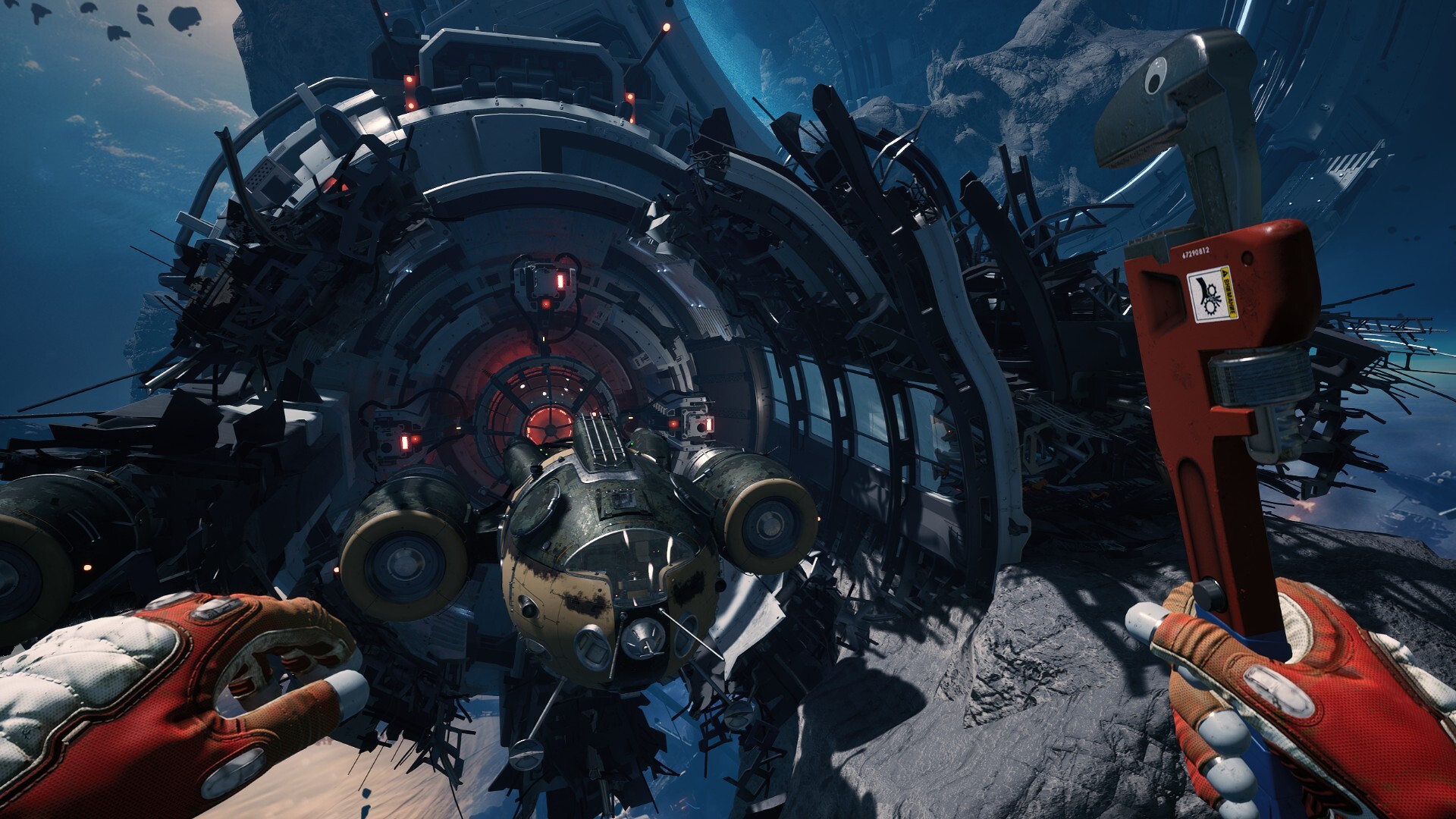
Breathedge 2 is built around a loop that is much closer to survival → exploration → crafting → access new places → repeat than the dialogue-heavy 2025 demo suggested. Now that the game is live in Early Access — on Hotfix 0.8.10 as of September 23, 2026 — the loop can be described from official current-build evidence instead of pre-launch promises. This page explains how it plays, what your money buys today, and what is explicitly still coming.
What Early Access actually contains right now
Per the official Steam description, the Early Access build includes:
- the first major story chapter — a complete narrative arc, playable without knowing the first game
- a large explorable area with stations, wrecks and optional locations
- the full core systems set: resource gathering, crafting, gear and spacesuit upgrades, repairs, combat, main and side quests, NPCs, collectibles
- 39 achievements, Steam Trading Cards (added in Hotfix 0.8.6), Cloud saves and Family Sharing
- 13 languages
Multiplayer and co-op are not planned, per the developer’s pinned FAQ — if a review or store blurb implies co-op, it is wrong or outdated.
The practical gameplay loop
- Explore a dense space area. Locations are meant to sit closer together than the huge empty stretches of the first game — denser placement is an official design response to demo-era backtracking complaints.
- Scavenge resources and usable junk. Some items go directly into crafting; others repair or modify machines you find in the world.
- Craft and upgrade. Blueprints, tools, equipment and spacesuit upgrades are core systems, and the live build’s tool rules (crowbar vs Twister) are strict — see the crafting guide.
- Solve environmental access problems. Oxygen, temperature, enemies and broken machinery gate routes. The map’s oxygen-zone markers exist for exactly this — see the map guide.
- Open new paths. DIY upgrades and repaired systems feed progression rather than existing as decoration — confirmed live by the 0.8.6 DIY-machine fix.
- Do quests and optional exploration. The first chapter has main and side quests plus optional locations and collectibles; the first three weeks patched quest-marker behavior four times (0.8.6 ice/battery stages, 0.8.7 the Debug Pornhubble marker, 0.8.9 a story marker that failed to appear after a scripted event, 0.8.10 the mud statue’s three-marker rework).
Survival is not just oxygen
Oxygen remains the signature threat — the demo logged 1.5 million warnings for a reason — but the official description also calls out temperature and “various other little details.” The current-build balance state: Hotfix 0.8.6 slowed food, water and fatigue drain by 15% in standard mode after launch-week feedback; oxygen itself has had no disclosed change. Difficulty is switchable at any time since 0.8.6. The full survival picture is in the oxygen guide, and launch-week lessons are collected in the tips page.
The world moves around you
Repair robots, police robots and scavenger robots use 3D navigation with their own routines; alkaline moles navigate back to burrows; the day/night cycle can change what is available. Since 0.8.7, robots are also explicitly a resource source you dismantle with the Twister — the world is meant to be harvested, not just survived. The enemy roster is detailed in the enemies & robots page.
How it is landing with players
Steam reviews stood at Very Positive — 84% of 1,031 reviews as of September 6, 2026, one week into Early Access. Treat that as a snapshot of a fast-moving game that was patching daily at the time, not a settled verdict.
What the roadmap adds later (not in the build yet)
These are official plan statements for the 16–20 month Early Access window — none are current-build content:
- a first major update planned around transport, more lore and quests, new locations, progression and NPC work
- a second major update targeting base building, separate structures and planetary-surface gameplay
- vehicles, a personal spacecraft with a warp-jump system, and expanded crew/ship-life systems
- a price increase at 1.0 (the current launch price is $19.99, discounted to $15.99 until September 12, 2026)
What we are not pretending to know
The current build has no verified complete recipe database, robot drop tables, full quest order, fixed crew classes or map coordinates — and this site will not invent them. Everything currently verifiable lives in the guides linked above; everything else waits for evidence.